Search history
BCWipe Search automatically saves every search in the list below the search filter configuration area in the main window. You can use this list to review previous searches, check their settings and results, or run the same search again.
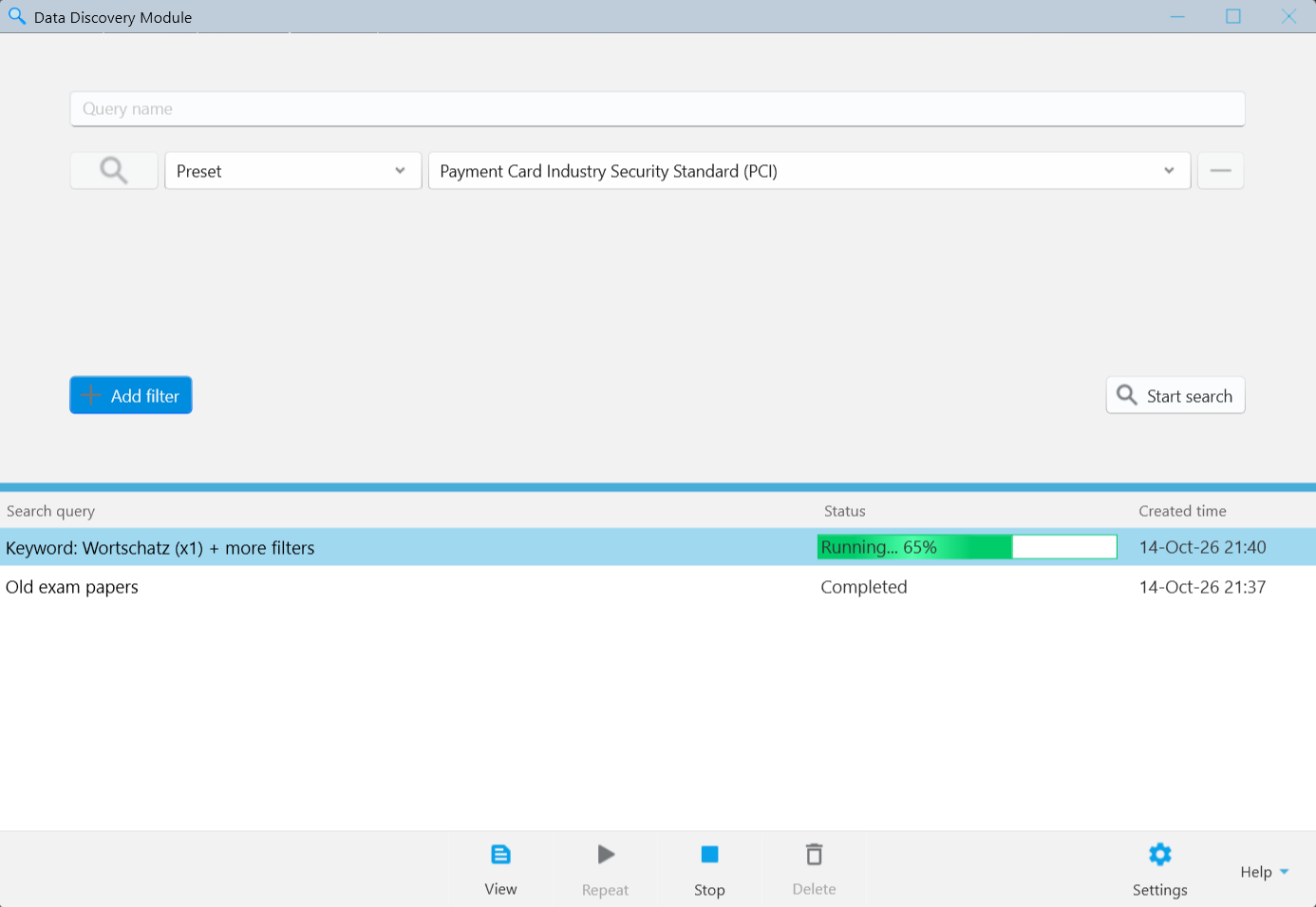
List of searches
For each search, the list displays:
- Search query - the name of the search.
- Status - the current state of the search, such as Running or Completed.
- Created time - the date and time when the search was created.
A search receives the status Completed when the search process is finished.
NOTE: The option to securely erase all or selected files from the search results becomes available only after the search is completed.
Working with Searches in the List
To work with a search, select it in the list. The available toolbar buttons become active depending on the search status. Click the appropriate button to perform an action:
- View - opens the results of the search and its settings. See Search results.
- Repeat - runs the search again with the same settings.
- Stop - stops a search that is in progress. The button is available only while a search is running.
- Delete - removes the selected search from the history list. It does not delete the files found during that search.